Visuele Communicatie
Visuele communicatie maakt gebruik van vormtaal of beeldtaal. Waar een schrijver woorden gebruikt voor een verhaal, vertelt een vormgever of ontwerper zijn verhaal – of dat van de opdrachtgever – met beelden, vormen en woorden. Een universele taal die iedereen verstaat.
Visuele communicatie slaat op alles die uw bedrijf, organisatie of club naar buiten brengt die te zien is met je ogen, zoals flyers, brochures, banners, spandoeken, vlaggen, kledij maar eveneens bestickering van wagens. Ik ontwerp graag uw project en zorg ervoor dat het gedrukt en eventueel verdeeld wordt.
Affinity | Kennis is macht
Voor al mijn ontwerpen, maak ik gebruik van de Affinity suite.
Affinity van ontwikkelaar Serif begon zijn verhaal met Affinity Designer, een tool voor grafisch design en vectors. Vervolgens kwam Affinity Photo om foto’s te bewerken op de markt. Intussen is ook Affinity Publisher een feit, de tegenhanger van InDesign voor het maken van paginalay-outs. Serif is dus druk bezig met een ecosysteem uit te bouwen dat je Adobe voorgoed doet vergeten.
Publicher
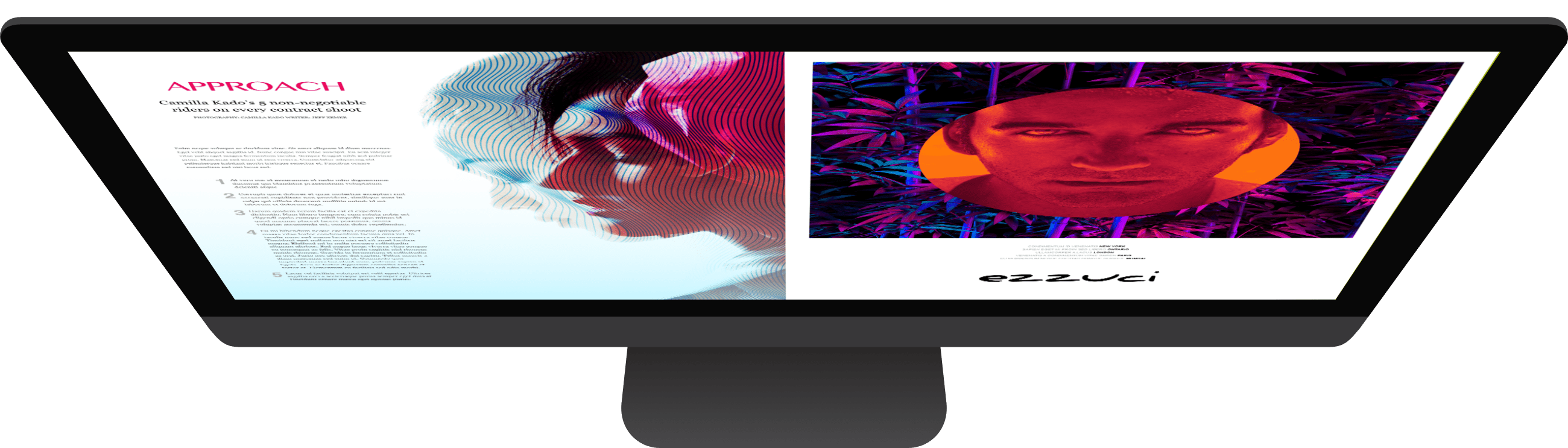
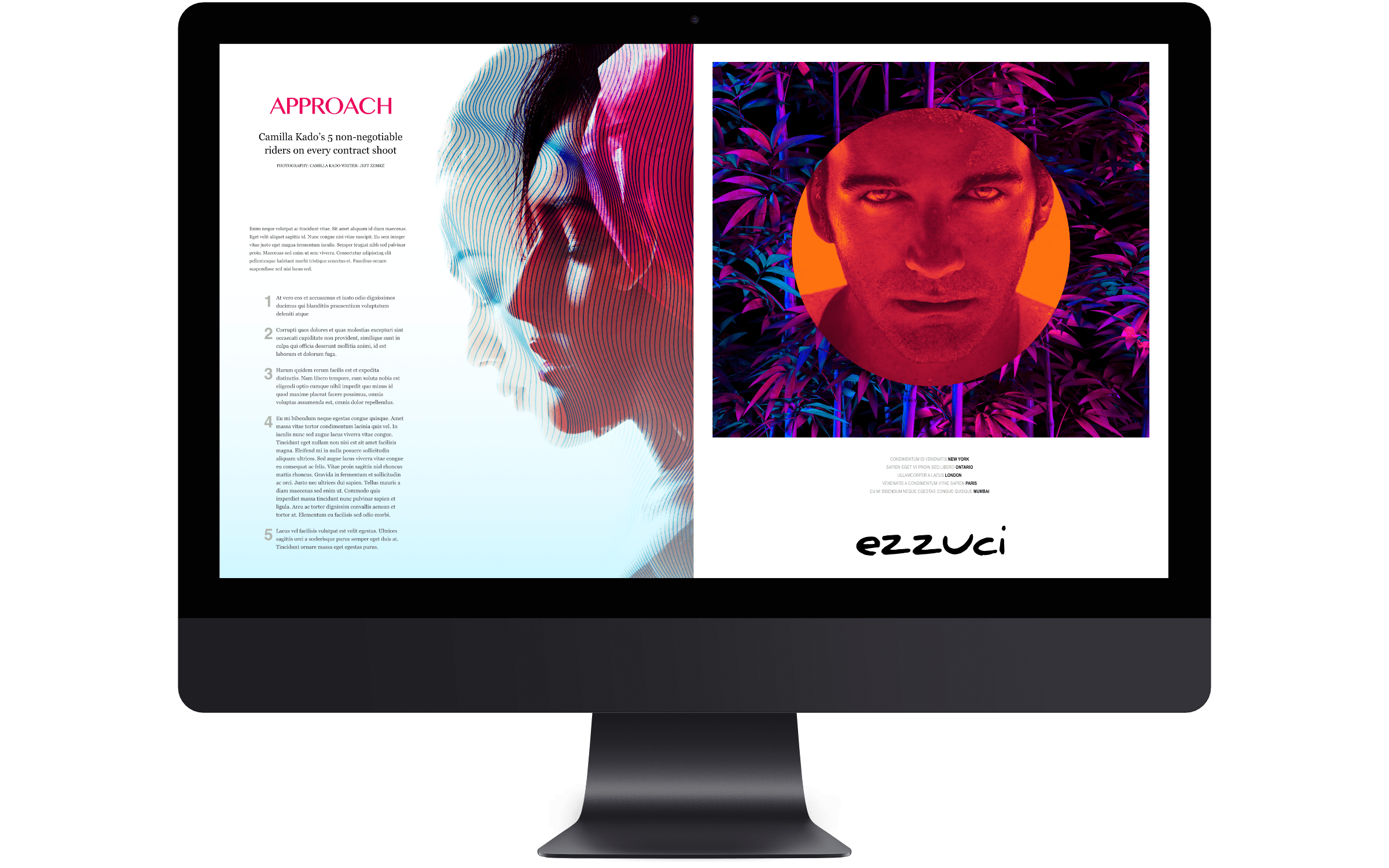
Tekst om de kracht van uw woorden te evenaren. Breng uw visie tot leven met Affinity Publisher. Bevrijd jezelf van de beperkingen van traditionele tekstlay-outs. Publisher helpt u uw tekst op creatieve manieren te visualiseren en naadloos door uw document te laten lopen.
Photo
Hand in hand werken met de nieuwste computertechnologie. De brute kracht van Affinity Photo zal je verbazen over hoe snel je kunt werken. Bekijk uw bewerkingen in realtime en duik in de enorme toolset, afgestemd op de eisen van een professionele workflow.
Designer
De ontwerprevolutie. Affinity Designer heeft de wereld van grafisch ontwerp echt veranderd. Vijf jaar intensieve verfijning sinds de lancering is gewijd aan de niet-aflatende visie van een krachtige app die uw workflow verbetert en uw creativiteit laat schitteren.
Samen werken aan de toekomst

U kan erop vertrouwen dat Affinity alle standaard bestandstypes verwerkt die u zou verwachten, zodat u de vrijheid hebt om de meest ambitieuze, inhoudrijke combinatieontwerpen te maken.
Responsieve RapidWeaver Design
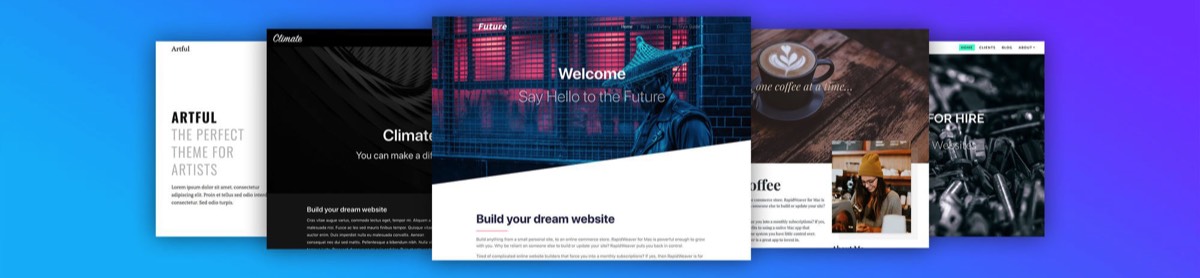
RapidWeaver is een zeer eenvoudig programma, voor het maken van responsive internet pagina's. Het programma werkt met zogenaamde plugins, stacks en al dan niet vooraf ontworpen layouts. Deze layouts kunnen steeds worden aangepast aan je noden en behoeften of je reeds bestaande huisstijl.
Design is zo eenvoudig, daarom is het zo ingewikkeld

Ik doe mijn uiterste best om de beschikbaarheid van mijn website ten allen tijde te behouden.
Vanwege de aard en grillen van het internet kan ik echter niet altijd de beschikbaarheid van mijn website garanderen.
Onderhoud en updates uitgevoerd om mijn website te verbeteren kunnen eveneens de beschikbaarheid ervan verstoren.
© 2019 | D. De Brackeleer
Alle rechten voorbehouden